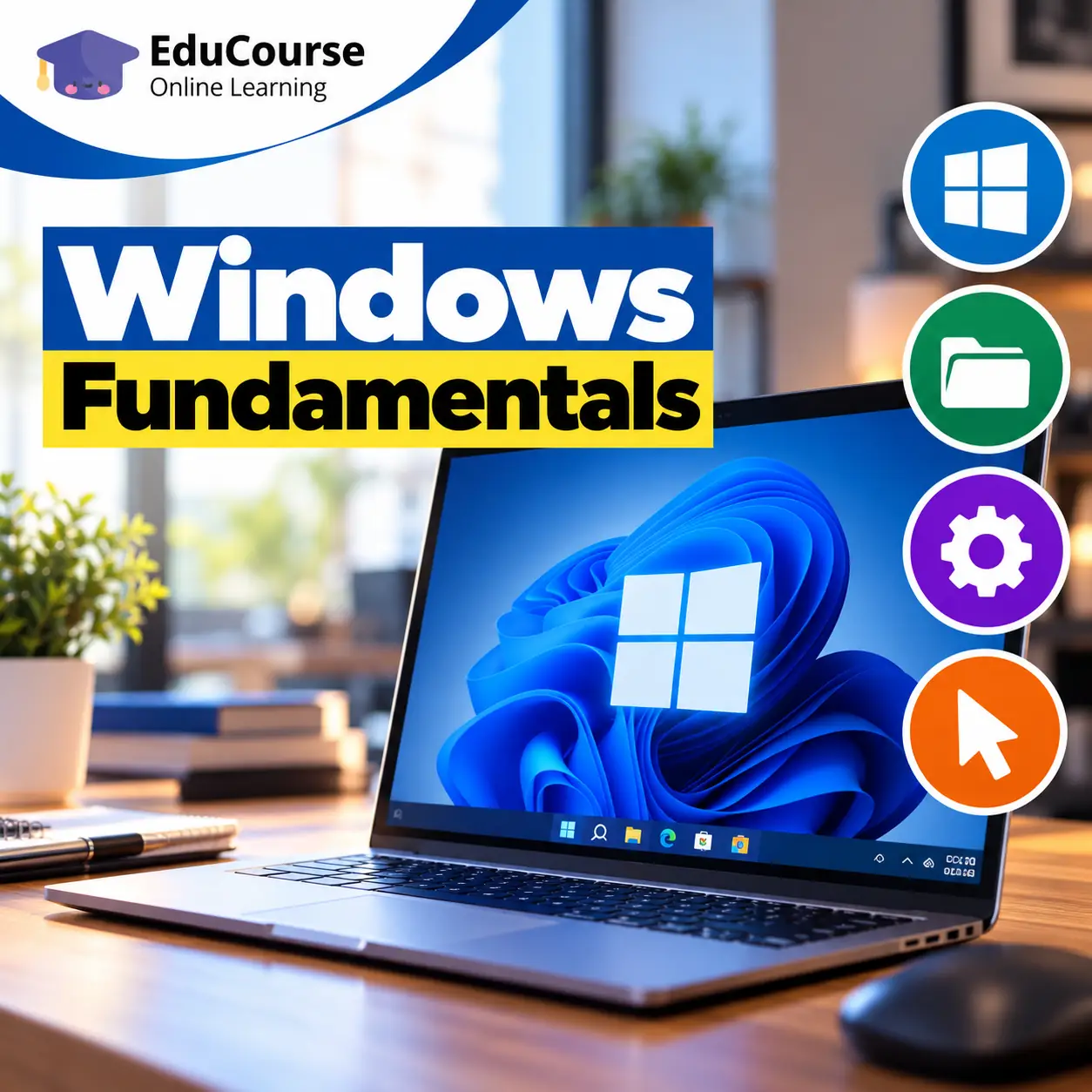
Study a Free Windows Fundamentals Course with Certificate in South Africa with Durban City Academy. Learn what an operating system does, windows editions and common.
10 lessons with topics and quizzes.
The Free Windows Fundamentals Course with Certificate in South Africa is an online course for people who want to use a Windows computer with more confidence. You will study the desktop, apps, settings, file management and basic troubleshooting through practical beginner-friendly lessons, with a certificate available after completion.
It is suitable if you are new to computers, returning to study or work, or simply want to feel less unsure when using a Windows device. Lessons guide you through everyday tasks, from finding an app to organising documents and adjusting settings.
Windows is the operating system that helps your computer run apps, manage files and connect to devices. Understanding its basic features gives beginners a useful starting point for schoolwork, personal tasks and common workplace computer activities.
For many South African learners, online study offers a flexible way to build digital skills around other commitments. You can work through the material at your own pace and practise on a Windows computer as you go.
Knowing how to locate and save a document can make everyday tasks less frustrating. If you want to improve your file habits, this practical guide explains how to organise files in Windows so they are easier to find.
The course also introduces safe, sensible computer habits: signing out of shared devices, recognising suspicious pop-ups and keeping important work backed up. These are useful routines whether you use a computer at home, in a learning space or at work.
Across the lessons, you will practise navigating Windows, working with folders, choosing apps for files and changing settings for comfort. You will also explore updates, internet connections and simple ways to respond when something does not work as expected.
Small skills can save time. For example, using search to find a setting or learning a keyboard shortcut can help you complete familiar tasks with fewer steps.
The course includes practical topics such as connecting to Wi-Fi, checking device status and managing storage. If you use a computer for applications or online interviews, our Windows device checklist offers a related set of preparation tips.
After completing the course, you can continue exploring digital learning through related subjects or use the linked guides below for more focused help. The course certificate is available upon completion, and the lessons give you a foundation to keep practising.
Windows is used on many personal and workplace computers, but knowing how to switch on a device is only the beginning. When you can manage files, adjust settings and find the tools you need, routine tasks become more manageable.
These skills can support study, job applications and entry-level office tasks. They do not guarantee a particular role, but they can help you approach common computer activities with greater independence. Our guide to basic Windows skills used in entry-level office work shows how these everyday abilities can connect to workplace tasks.
Understand what an operating system does, recognise common Windows device types and learn how to start, sign in and shut down safely.
Use the desktop, taskbar, Start menu and search. Practise opening, switching between and closing apps, along with basic windows, menus and keyboard shortcuts.
Explore File Explorer and learn to create, name, organise, copy, move, rename and delete items. You will also consider storage locations and how to keep documents easy to retrieve.
Open files with suitable applications, work with documents and save your progress in a location you can find again.
Adjust display and sound settings, change themes or backgrounds, and find text-size and accessibility options that suit your needs.
Practise joining a Wi-Fi network safely, connecting common peripherals or Bluetooth devices, and checking basic connection status.
Build strong sign-in habits, learn about built-in security features and updates, and spot warning signs such as suspicious downloads and pop-ups.
Learn why updates matter, how to check for them, ways to manage storage and temporary files, and how backups can help protect important work.
Use a simple troubleshooting approach for frozen apps, slow performance and connection issues. You will also learn what details to note when seeking help.
Bring your new habits together by organising files for everyday tasks, using settings and shortcuts efficiently, and working thoughtfully on shared computers.
10 lessons with topics and quizzes covered in this course.
Digital confidence can make routine activities easier, from
Windows Fundamentals is designed for beginners who want a clear introduction to the subject, with practical lessons, guided learning, and simple explanations that are easy to follow online.
Yes, learners in South Africa can study this course online at their own pace, which makes it useful for flexible learning, personal development, and building practical knowledge from home or work.
This course covers practical learning areas such as What an operating system does, Windows editions and common device types, Starting, signing in and shutting down safely, The desktop, taskbar and Start menu, helping learners build foundational knowledge that can be applied in study, work tasks, and everyday digital learning.
Most learners can work through the course in a few focused hours, but the online format allows you to move at your own pace and revisit lessons whenever you need extra practice.
A certificate is available after successful completion, which gives learners a simple way to show that they finished the course content and assessment requirements online.
These skills are useful because they support workplace readiness, digital confidence, and practical day-to-day tasks, which can help learners strengthen their knowledge in a South African learning and work environment.