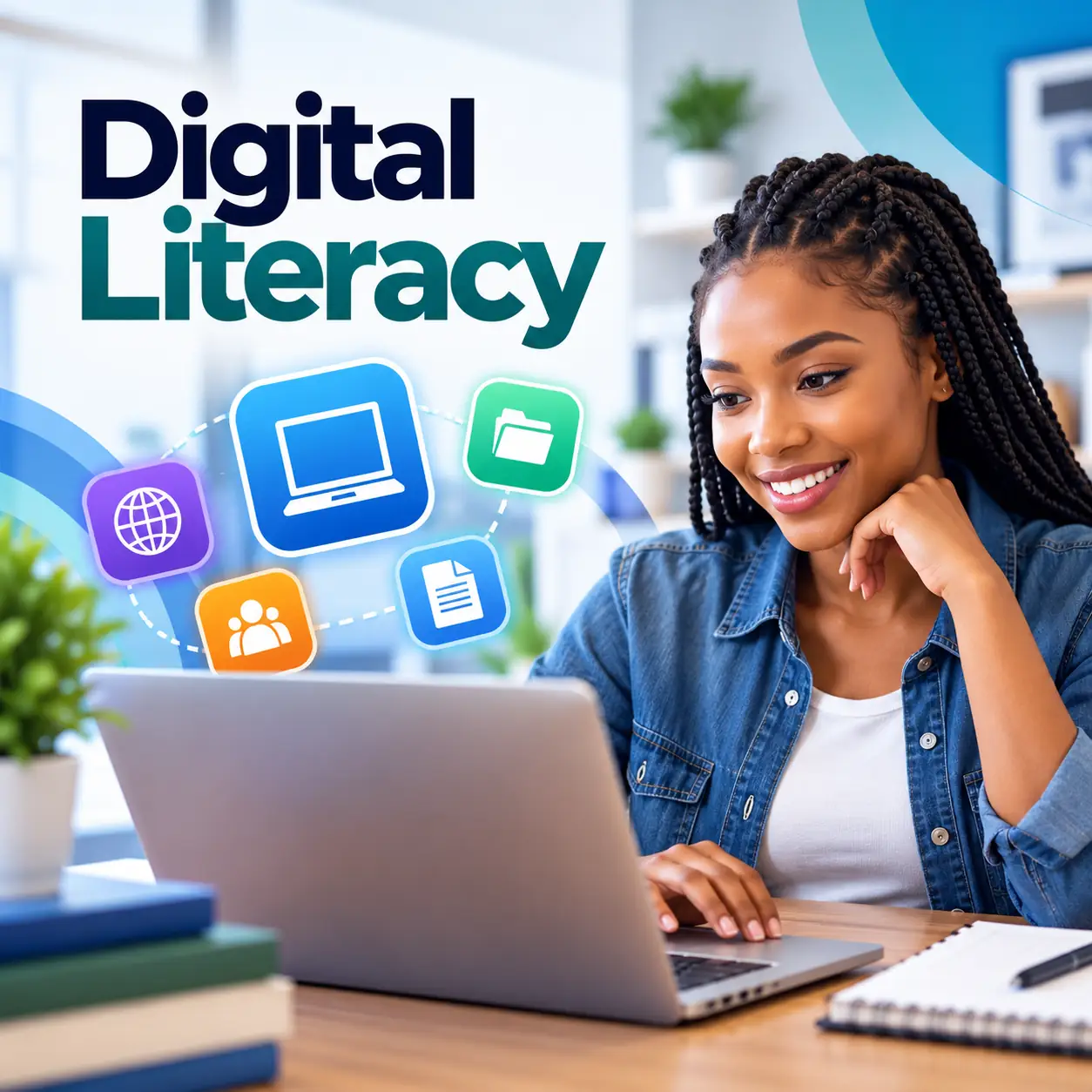
Study a Free Digital Literacy Course with Certificate in South Africa with Durban City Academy. Learn what digital literacy means in everyday life, common digital.
10 lessons with topics and quizzes.
The Free Digital Literacy Course with Certificate in South Africa is an online course for people who want to use computers, smartphones and the internet with greater confidence. You will study everyday digital tasks, from managing files and searching for information to communicating online and protecting personal details. A certificate is available after you complete the course.
This course is designed for beginners, including first-time computer users, adults returning to learning and job seekers who want to strengthen practical workplace skills. Lessons introduce devices, internet use, online communication, basic documents and spreadsheets, troubleshooting, and responsible technology use.
Digital literacy means knowing how to choose and use digital tools for a task. You do not need to be an expert to begin. The course starts with the basics and builds towards practical activities you can use in study, work and daily life.
In South Africa, digital tools are used to look for work, complete applications, access information and keep in touch. Becoming more comfortable with these tools can make routine tasks easier to manage, whether you are using a phone, tablet or computer.
Internet access and devices can vary. You can study online and practise with the equipment available to you, while learning how Wi-Fi, mobile data, browsers and downloads work. For a useful starting point, compare Wi-Fi and mobile data for browsing and downloads.
Safe use is part of digital confidence. You will learn to pause before opening suspicious links, protect accounts with strong passwords and think carefully about what personal information you share. These are general awareness skills; use trusted support if you encounter a serious security concern.
Learning areas include using a device, organising files, finding and checking information, and communicating clearly online. You will also explore basic document and spreadsheet tasks, as well as straightforward checks for common device problems.
The course connects digital skills to practical situations. You might practise saving work in a clearly named folder, joining an online meeting, comparing information from different sources or choosing a suitable tool for a task.
Small habits can make a real difference. Keeping files organised can help you find an application or assignment when you need it; this guide to organising files on a phone or computer offers practical ideas to apply as you learn.
After learning the core topics, you can continue building your skills with related study in online communication, productivity tools or cyber safety. The certificate recognises course completion; it does not replace further practice or guarantee a particular job outcome.
Digital skills are useful across many kinds of work and learning. Job applications, workplace communication and information searches often involve websites, email or digital documents. Understanding the basics can help you approach these tasks with more independence.
This beginner digital literacy course in South Africa focuses on usable knowledge rather than technical jargon. You will practise choosing search terms, checking whether a source is current and relevant, and communicating respectfully online. You will also learn to recognise common problems and try sensible first steps.
Developing these skills takes practice. As you work through the lessons, you can repeat tasks on your own device and apply what you learn to an everyday goal, such as saving a document or preparing to join a video call.
Explore what digital literacy involves and how it applies to everyday activities, study and work.
Become familiar with common devices, basic controls, operating systems and settings. If you are starting from scratch, this beginner’s guide to computer hardware and software can help explain the parts you use.
Practise naming, saving, moving and finding files, and learn how to use folders and removable storage carefully.
Understand Wi-Fi, browsers, web addresses, downloads and ways to keep track of online data use.
Choose useful search terms, refine results and compare sources by checking their date, purpose and reliability.
Learn the basics of clear email, online meeting controls and sharing files for group work.
Build awareness of passwords, suspicious messages
10 lessons with topics and quizzes covered in this course.
Digital Literacy is designed for beginners who want a clear introduction to the subject, with practical lessons, guided learning, and simple explanations that are easy to follow online.
Yes, learners in South Africa can study this course online at their own pace, which makes it useful for flexible learning, personal development, and building practical knowledge from home or work.
This course covers practical learning areas such as What digital literacy means in everyday life, Common digital devices and their uses, Building confidence as a new technology user, Starting, shutting down and navigating a device, helping learners build foundational knowledge that can be applied in study, work tasks, and everyday digital learning.
Most learners can work through the course in a few focused hours, but the online format allows you to move at your own pace and revisit lessons whenever you need extra practice.
A certificate is available after successful completion, which gives learners a simple way to show that they finished the course content and assessment requirements online.
These skills are useful because they support workplace readiness, digital confidence, and practical day-to-day tasks, which can help learners strengthen their knowledge in a South African learning and work environment.